What a Useful SEO Audit Actually Looks Like (And What to Ignore)
Most audits dump hundreds of problems on your desk without explaining which ones actually hurt your search engine rankings and which ones can wait. You’re basically left with reports that offer little value and eat into your time.
A useful SEO audit does the opposite. It tells you which broken links and speed issues are costing you traffic, and which low-priority warnings don’t deserve your time.
In this guide, we break down what to prioritise and what to skip. From technical errors to content quality and local SEO, you’ll learn how to approach an audit without drowning in jargon or endless spreadsheets.
Let’s get started.
Why Most SEO Audit Checklists Miss the Point
An SEO audit checklist should help you rank higher, but most just list problems without showing you what to fix first.
Take this scenario, for example. You run an audit and get flagged for 47 missing alt tags, 12 slow-loading images, and duplicate meta descriptions across your site. But which one is costing you traffic? The checklist doesn’t specify it. It treats a broken link on your best-selling service page the same as a missing tag on a 2019 blog post nobody reads.
You end up with a massive report highlighting dozens of SEO issues, but zero actionable guidance on where to start. The fixes that would actually improve your search engine rankings get buried under low-priority warnings that won’t move the needle.
So, what can you do about it? Let’s start with a few SEO tools that can help.
Free SEO Checker Tools: Where to Start Your Audit
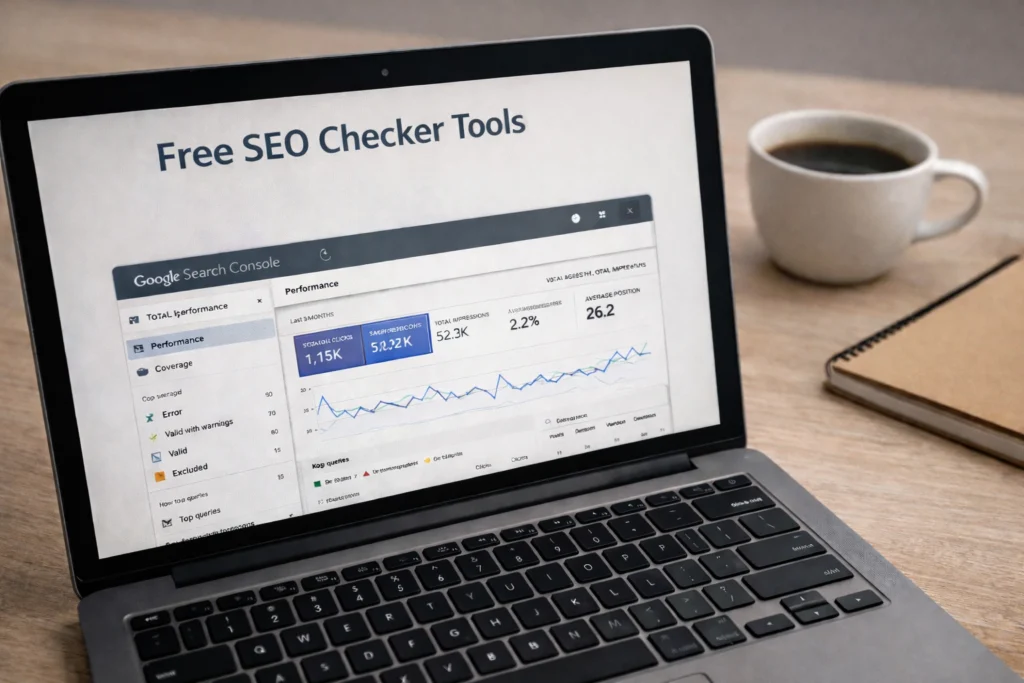
Free SEO tools give you enough data to find and fix the biggest issues hurting your rankings right now. You don’t need expensive software to spot what’s wrong.
Let’s look at the best free tools to start with, and when you should consider upgrading to paid options.
Google Search Console for Free SEO Audits
Google Search Console shows you exactly which pages search engines can’t crawl or index on your site. The performance report reveals which keywords you almost rank for but need a small push. For example, if you’re ranking #11 for “local web design,” a few internal links or better content might get you onto page one.
Console has another useful feature: the coverage report. It alerts you when pages disappear from search results before customers notice. It’s free SEO at its best since the data comes straight from Google and catches technical errors most free seo checker tools miss.
When Paid Tools Are Worth Using
If your site has hundreds of pages, or you run an e-commerce store, free tools won’t cut it. You’ll need a paid crawler like Screaming Frog that can handle large sites and pull detailed insights faster than checking pages manually.
Paid tools also track your ranking patterns over months instead of just showing today’s snapshot. Plus, you’ll need paid access for competitor insights, since most free tools limit what you can see.
But for most small business audits, Google Search Console plus one solid SEO checker covers the basics.
Technical Fixes That Move Rankings
Even if your content is perfect, hidden technical errors can stop it from ranking. Issues like page speed, mobile usability, and broken redirects fall under technical SEO. Here’s how each one affects your web pages.
Page Speed Issues
According to Google research, if a mobile site takes longer than three seconds to load, 53% of visitors leave immediately. You’re losing more than half your potential traffic before they even see your content.
The fix? Check for render-blocking resources like oversized images or unnecessary scripts. These often eat up loading time and make your site heavy. Improving load speed can also help your search visibility since Google tends to rank faster sites higher.
Mobile Usability Errors
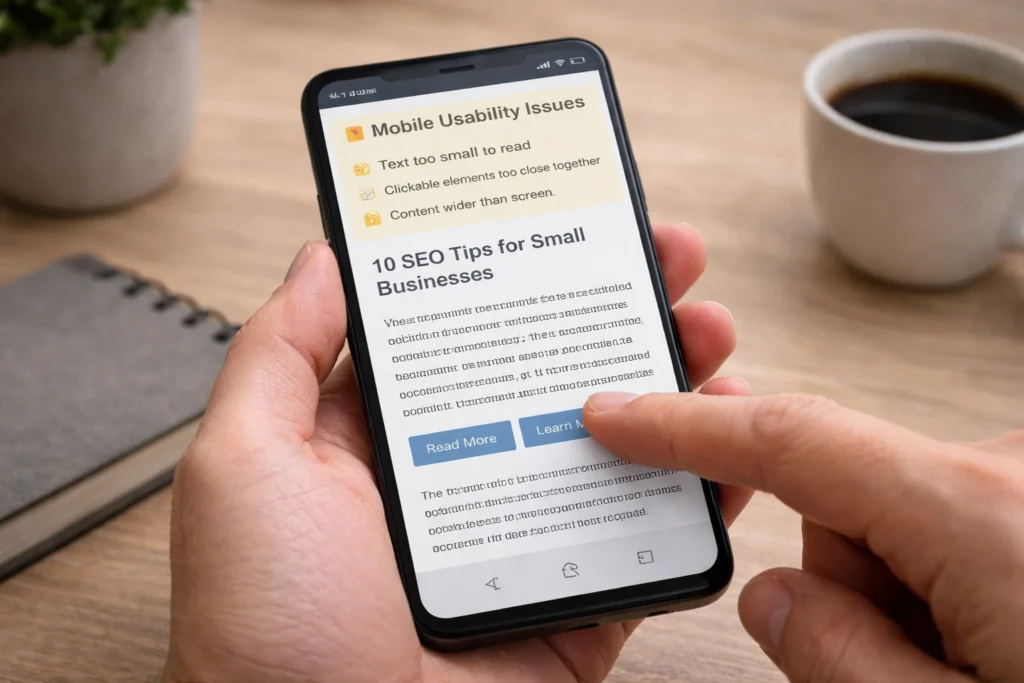
Did you know that more than 62% of searches happen through mobile devices? If your site isn’t mobile-friendly, you risk losing potential customers. Even something small, like buttons too cramped to tap or text too tiny to read can drive people away.
Broken Redirects
Think about it from a user’s perspective. You want to visit a page, but a broken redirect sends you nowhere. Frustrating, right? That’s why a 301 redirect should send visitors and search bots to the right place.
When redirects break, both get lost, and your link equity vanishes instead of flowing to your best pages.
Broken Links and Duplicate Content: Quick Wins Worth Chasing
Some SEO fixes deliver results fast without needing a developer or months of content work. Two of the easiest wins here are fixing broken links and cleaning up duplicate content.
If left unchecked, these issues can reduce the SEO value your site has already built. For example, broken internal links waste ranking power by sending search bots to dead-end pages instead of guiding them deeper into your content.
Similarly, duplicate content makes it difficult for Google to determine which page should rank, including cases where multiple pages share the same meta description.
Fixing these on-page SEO issues usually takes minutes per page and helps search engines understand your site more clearly. To fix broken links, check Google Search Console’s Coverage report, where they appear as crawl errors. And for duplicate content, use free tools like Siteliner or search your own site for repeated paragraphs.
Local SEO Tips for Your Google Business Profile
Backlinko’s 2025 Local SEO Report shows that 46% of searches have local intent, and your Google Business Profile is how you capture those customers.
If you’re not optimising your profile, you’re missing out on local search results that drive foot traffic and phone calls. Here’s what to focus on:
Business Description With Local Keywords
Your business description needs relevant keywords that customers actually type when searching for your services. Instead of “We provide quality web design,” try “WordPress web design for Brisbane businesses.”
The specificity helps your profile appear in neighbourhood searches.
Weekly Photo Updates

Photos uploaded weekly signal to Google that your business actively operates and deserves local visibility. A profile with fresh images tends to rank higher in local search results than one with photos from 2022.
Customer Reviews With Location Mentions
Encourage customers to mention your service area in reviews when it’s natural. Location-based phrases like “web designer near South Bank” send stronger local SEO signals for your online visibility than generic comments like “great service.”
Reading Your Backlink Profile the Right Way
Your backlink profile shows how many sites link to yours and whether those links help or hurt your rankings. So understanding this helps you spot which links build your domain authority and which ones drag it down.
Start by checking where your backlinks are coming from. Quality is more important than quantity here. A single link from an industry site like Smashing Magazine carries more weight than 50 links from random directories.
Next, look at what those backlinks are pointing to. Your domain authority grows when authoritative sites link to your best content, not just your homepage. One respected design blog linking to a case study sends stronger signals than ten generic links to a contact page.
Finally, watch for toxic links. Spammy backlinks from low-quality sites can hurt your rankings. If you spot obvious spam, you can review and disavow those links in Google Search Console. Also, check anchor text patterns. Natural links use varied phrases, while spam often repeats the same anchor text again and again.
Content Quality: Three SEO Checks That Impact Rankings
Good content can get you rankings, but three specific quality issues often stop your pages from appearing in search results. Let’s break down what to watch for.
Thin Content
Have you ever landed on a page and left right away because it barely answered your question? That’s thin content. These pages are short (usually under 300 words) and don’t give Google enough context to understand what you offer.
If you want more traffic, your website content needs enough detail to actually help people.
Think of it this way. Would you trust a plumber whose entire service page is three sentences? No, right? Chances are, Google won’t either.
Missing Or Weak Meta Descriptions
Meta descriptions don’t directly affect rankings, but they play a big role in whether people click your link. Compare “Learn about web design” to “Step-by-step guide to choosing WordPress themes for small business websites.”
The latter is more likely to earn clicks because it’s more specific. Your meta tags are often the first impression people get in search results, so make them count.
Outdated Content

Old content loses relevance fast unless you update it with current information and fresh examples. For instance, your 2020 pandemic pivot strategies might’ve worked then, but they don’t reflect how businesses operate now. Recent updates also give you a better chance at ranking because Google wants to show people information that’s still accurate and useful.
How to Fix Issues Without Getting Overwhelmed
After you’ve spotted the problems, it’s time to prioritise what needs fixing first (without creating a month-long project).
Focus on your highest-traffic pages first. Check Google Analytics to see which pages drive the most organic traffic. If your most popular service page has broken links or slow load times, start there. A blog post from 2019 that gets five visitors a month can wait.
Save time by batching similar tasks. Fixing all broken links at once beats jumping between links, meta descriptions, and image problems. This approach helps your SEO performance improve faster without dragging your audit into week three.
Handle low-priority issues last. Ignore warnings on pages with zero traffic until the important pages are sorted. Not every problem deserves immediate attention. Your SEO audit should align with your business goals.
So focus on fixes that help your most valuable pages move up in rankings instead of perfecting every corner of your site.
Pick One SEO Fix and Start There
You don’t need to fix everything at once. Pick one issue from this guide and tackle it today. Maybe it’s cleaning up broken links, or updating thin content, or optimising your Google Business Profile for local searches.
The goal isn’t a perfect SEO audit. It’s better rankings that bring you more customers. Start small, measure the results, and build from there.
Need help getting your SEO sorted without the headache? Contact us, and we’ll walk you through what your site needs most.